Midjourney Alternative for SVG & Vector Graphics
Can Midjourney create SVG files? Here's what you need to know.
Midjourney creates stunning AI-generated images, but it outputs raster formats (PNG, JPG) - not vectors. If you need scalable SVG graphics, Midjourney alone won't get you there.
What You Can Create
AI-generated vectors, production-ready in seconds.
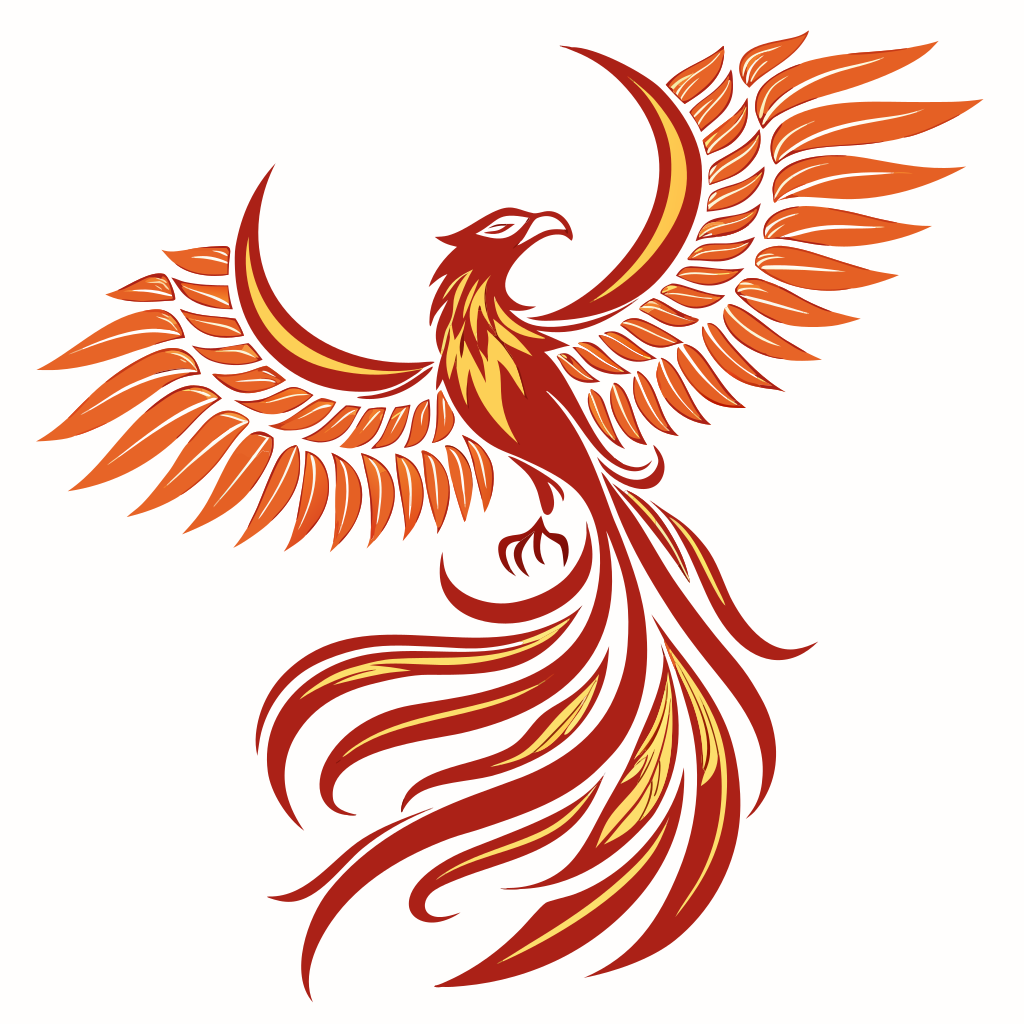
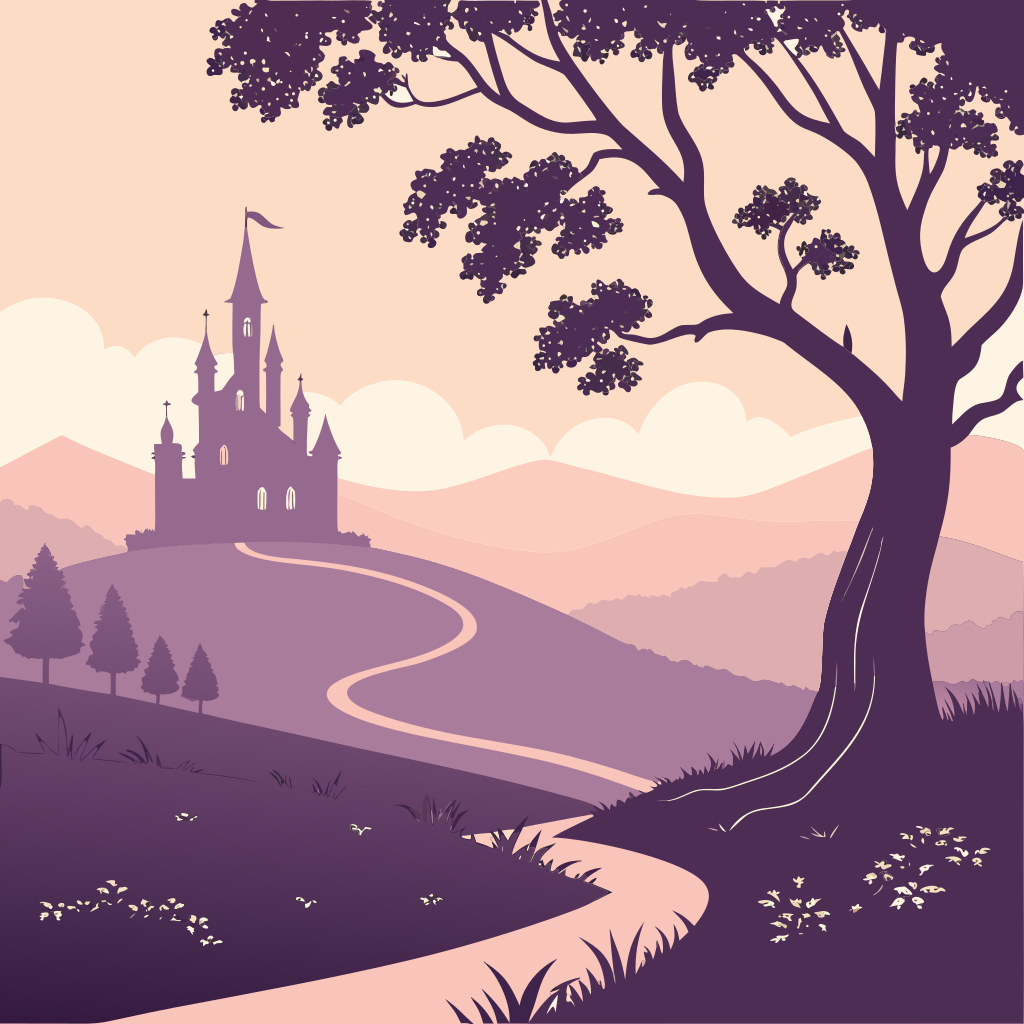
Generated with SVG Genie's AI — describe what you want, get production-ready SVGs
Quick Comparison
Midjourney
Starts at $10/month
- closeCannot generate SVG or vector files - only raster images
- closeOutput is pixels, not scalable paths
- closeRequires additional conversion tools to get vectors
- closeConversion from raster to vector loses quality
- closeNot designed for logos, icons, or graphics that need scaling
- closeDiscord-based interface can be clunky for design work
SVG Genie
Free tier available · credit packs from $9
- checkNative SVG generation - scalable from the start
- checkPurpose-built for vector graphics and logos
- checkNo conversion step needed
- checkClean paths optimized for any size
- checkWeb-based interface designed for design work
Midjourney Limitations
Cannot generate SVG or vector files - only raster images
Output is pixels, not scalable paths
Requires additional conversion tools to get vectors
Conversion from raster to vector loses quality
Not designed for logos, icons, or graphics that need scaling
Discord-based interface can be clunky for design work
No direct editing or iteration on specific elements
Who Should Switch
Midjourney users who need vector output
Anyone creating logos or icons that need to scale
Designers tired of converting raster to vector
Users needing clean SVG code for web development
Print designers requiring infinite scalability
Frequently Asked
Can Midjourney make SVG files?expand_more
No. Midjourney only outputs raster images (PNG, JPG). To get vectors, you'd need to trace the output with another tool, which loses quality and adds steps.
How do I convert Midjourney images to SVG?expand_more
You can use vectorization tools like Vectorizer.ai or Vector Magic, but results vary and require cleanup. For clean vectors, it's better to generate SVGs directly using tools built for that purpose.
What's better than Midjourney for logos?expand_more
For logos that need to scale (business cards to billboards), use a native vector generator like SVG Genie. The output is clean SVG code that scales infinitely without quality loss.
Ready to Try a Better Alternative?
Generate production-ready SVGs from text descriptions. Free to start, no credit card required.
Try SVG Genie Free arrow_forward