A React icon bug rarely starts with a dramatic security decision. It starts with a harmless shortcut: paste an SVG from a design tool, convert it to JSX, or render an icon field from a CMS. The icon looks right, the build passes, and nobody asks whether that SVG came from a trusted pipeline.
Use this fast rule:
Trusted SVG icons can be React components. Untrusted SVG should be sanitized before storage and rendered as an image or safe preview. Never pipe raw SVG strings into dangerouslySetInnerHTML just to save time.
That one rule keeps most React teams out of trouble. If you are still deciding whether an asset belongs as a component or a plain image, use the inline SVG vs img tag guide before choosing the rendering path. If you need to convert a logo or icon into clean SVG first, use SVG Genie or the image to SVG converter, inspect the result in the SVG editor, then bring the cleaned asset into your React codebase. If your problem is broader upload security, use the SVG upload security checklist before accepting customer files.
Are SVG icons safe in React?
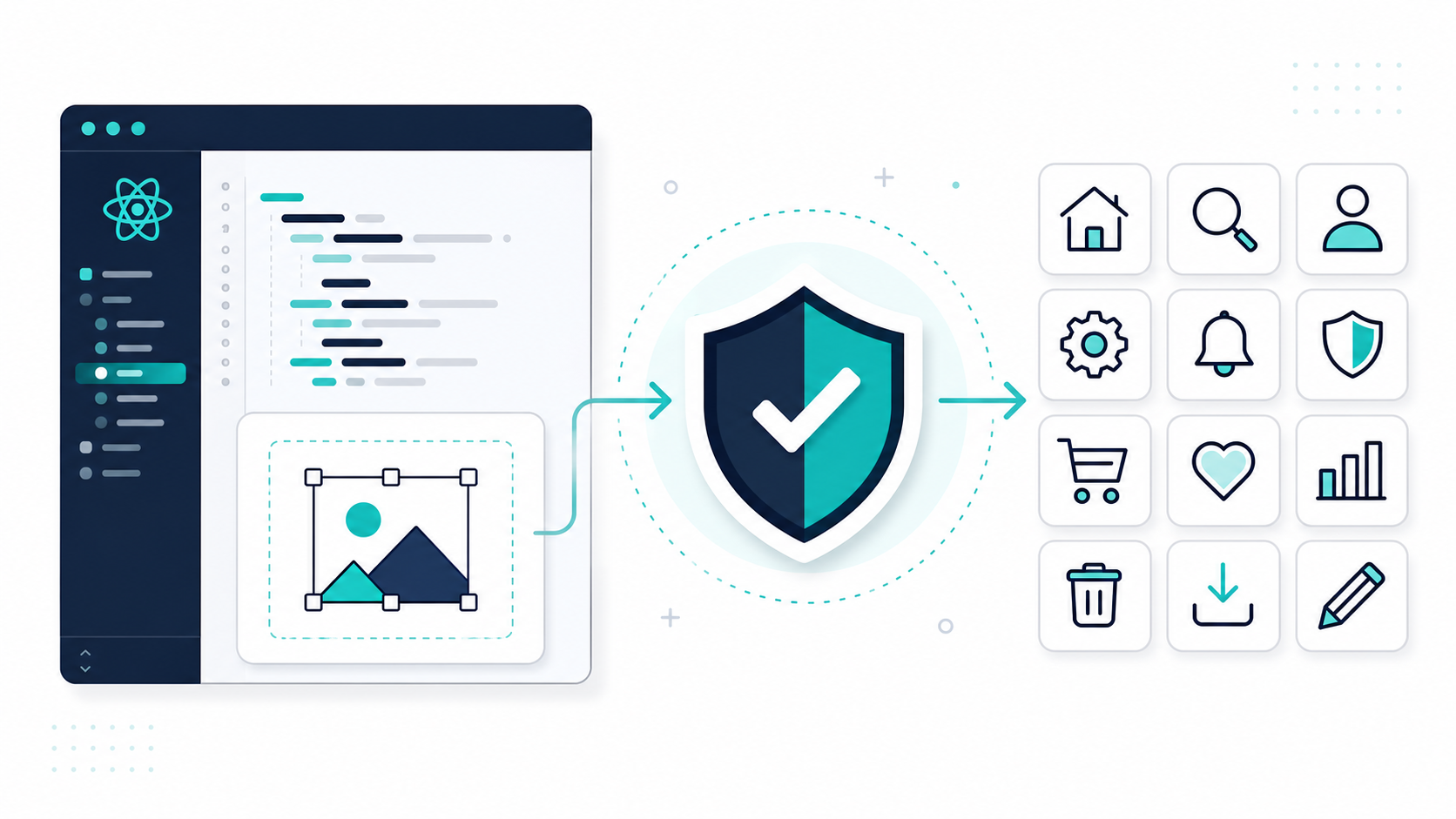
SVG icons are safe in React when they are treated like code: reviewed, sanitized when needed, committed to source control, and rendered through predictable components. The unsafe pattern is treating arbitrary SVG text as a harmless image and injecting it into the DOM.
A safe React SVG icon is an SVG asset whose source is trusted, whose markup has been reviewed or sanitized, and whose rendering path does not execute user-controlled markup. This includes icons from maintained packages, design-system components, and SVGs generated by a controlled converter workflow.
React helps by escaping normal text content and props. That does not make raw HTML injection safe. The React docs warn that dangerouslySetInnerHTML should be used with extreme caution because untrusted HTML can introduce XSS vulnerabilities. SVG is especially easy to underestimate because it looks like an image while still being XML markup.
Useful references:
- React: dangerously setting inner HTML
- MDN: SVG script element
- OWASP: Cross Site Scripting Prevention Cheat Sheet
- DOMPurify SVG sanitization project
- MDN: Content Security Policy
The practical question is not "SVG or no SVG?" It is "who controls this SVG, and how much power are we giving the browser when it renders it?"
Should I import SVG as a React component or use an img tag?
Import SVG as a React component when the icon is trusted and needs styling control. Use an img tag when the SVG is static, user-provided, externally hosted, or does not need DOM-level control. Component imports give power; image rendering reduces power.
| React SVG Use Case | Best Rendering Choice | Why |
|---|---|---|
| Design-system icon from source control | React component | Easy currentColor, props, aria, animation |
| Logo generated and reviewed by your team | Component or img | Component for styling, img for cacheable display |
| Customer-uploaded logo preview | Sanitized SVG in img, or PNG/WebP preview | Avoid raw inline markup from users |
| CMS icon field pasted by editors | Sanitized output, then component or img | CMS content is not source code |
| Marketplace icon pack | Quarantine, sanitize, review, then import | Third-party bulk SVG can contain surprises |
| Large decorative illustration | img or CSS background | Better caching and less DOM weight |
For trusted icons, this is the normal React pattern:
export function CheckIcon(props: React.SVGProps<SVGSVGElement>) {
  return (
    <svg viewBox="0 0 24 24" fill="none" aria-hidden="true" {...props}>
      <path
        d="M20 6 9 17l-5-5"
        stroke="currentColor"
        strokeWidth="2"
        strokeLinecap="round"
        strokeLinejoin="round"
      />
    </svg>
  );
}
For untrusted or user-provided SVG previews, keep the SVG outside your React DOM:
export function UploadedLogoPreview({ src, name }: { src: string; name: string }) {
  return <img src={src} alt={`${name} logo preview`} width={160} height={80} />;
}
That does not remove the need for server-side validation. It simply avoids turning a user-uploaded SVG into inline application markup.
When can SVG icons cause XSS in React?
SVG icons can cause XSS in React when untrusted SVG markup is inserted as raw HTML, parsed into JSX without review, loaded from a CMS field, or served from an upload path with weak headers. The highest-risk phrase in a code review is "we trust this string because it is only an icon."
Watch for these patterns:
// Dangerous if svgMarkup can come from a user, CMS, API, or uploaded file.
<div dangerouslySetInnerHTML={{ __html: svgMarkup }} />
// Also risky: a rich-text renderer that allows raw SVG from content.
<MarkdownRenderer allowHtml>{cmsBody}</MarkdownRenderer>
// Risky if the file was not sanitized before becoming a public asset.
<object data={uploadedSvgUrl} type="image/svg+xml" />
Common dangerous SVG features include:
<script>elements.- Event attributes such as
onload,onclick, andonerror. javascript:URLs inhreforxlink:href.<foreignObject>with embedded HTML.- External image, font, stylesheet, or document references.
- Unknown namespaces, entity declarations, and oversized nested markup.
If this sounds like an upload problem, it is. The tactical sanitizer details are covered in the SVG XSS sanitization guide, and delivery headers are covered in the SVG Content Security Policy headers guide.
How do I convert SVG to a safe React component?
To convert SVG to a safe React component, start with a trusted SVG, remove unnecessary metadata and active features, normalize attributes for JSX, make color behavior explicit, add accessibility intent, and commit the reviewed component instead of storing raw strings in content fields.
Use this checklist before adding a new icon component:
- Confirm the SVG came from your designer, source control, a maintained icon package, or a sanitized converter.
- Remove
script,foreignObject, event handlers, external references, and unknown namespaces. - Remove editor metadata if it is not needed. The SVG metadata cleanup guide covers that pass.
- Keep a simple
viewBoxso the icon scales predictably. - Convert dashed SVG attributes to JSX names:
stroke-widthbecomesstrokeWidth. - Prefer
currentColorwhen the icon should inherit text color. - Use
aria-hidden="true"for decorative icons. - Use
role="img",<title>, oraria-labelfor meaningful standalone icons. - Avoid
dangerouslySetInnerHTMLfor icon rendering. - Review the final component in code review like any other UI code.
A safe icon component usually looks boring:
export function UploadCloudIcon({ title, ...props }: React.SVGProps<SVGSVGElement> & { title?: string }) {
  const titleId = title ? "upload-cloud-title" : undefined;

  return (
    <svg
      viewBox="0 0 24 24"
      fill="none"
      role={title ? "img" : undefined}
      aria-hidden={title ? undefined : true}
      aria-labelledby={titleId}
      {...props}
    >
      {title ? <title id={titleId}>{title}</title> : null}
      <path d="M12 16V8" stroke="currentColor" strokeWidth="2" strokeLinecap="round" />
      <path d="m8 12 4-4 4 4" stroke="currentColor" strokeWidth="2" strokeLinecap="round" />
      <path d="M20 16.5A4.5 4.5 0 0 0 15.5 12h-.6A6 6 0 1 0 6 17" stroke="currentColor" strokeWidth="2" strokeLinecap="round" />
    </svg>
  );
}
For generated artwork, do the cleaning step before React conversion. SVG Genie is useful here because you can convert a raster logo, inspect the SVG visually, edit obvious issues, and export a cleaner file instead of pasting opaque SVG from an unknown tool.
What is the safest workflow for user-uploaded SVG icons?
The safest workflow for user-uploaded SVG icons is to sanitize on the server, store the cleaned file under a generated name, create a raster preview for public surfaces, and render the preview in React with img. Only trusted admin or editor surfaces should receive controlled inline SVG.
Use this pipeline:
- Accept the upload only on surfaces that genuinely need SVG.
- Enforce size, dimension, and complexity limits before parsing deeply.
- Parse XML with external entities and DTD processing disabled.
- Sanitize with an allowlist for elements, attributes, URL schemes, and namespaces.
- Store the sanitized SVG separately from any original audit copy.
- Generate a PNG or WebP preview for public display.
- Serve SVG responses with strict CSP,
nosniff, and attachment headers when appropriate. - Render public previews in React with
img, not raw inline markup.
That turns an open-ended "users can upload icons" feature into a controlled asset pipeline. If your app does not need editable vector output, skip SVG uploads entirely and accept PNG/WebP.
Do React icon libraries solve SVG security?
React icon libraries solve the source-control problem, not the upload problem. A maintained package is usually safer than random SVG paste because the icons are reviewed, versioned, and distributed as components. It does not make user-provided SVG safe.
A good library is a strong default when you need common UI symbols. It gives you:
- Predictable JSX components.
- Consistent
viewBoxand stroke behavior. - Package versioning and reviews.
- No CMS or user-controlled icon strings.
- Better tree-shaking when imported carefully.
You still need your own process when the icon is a brand logo, customer asset, AI-generated vector, or marketplace download. For those, create or clean the SVG first, then decide whether it belongs as a component, an img, or a download-only asset.
What should a code review catch?
A React SVG code review should catch unsafe sources, unsafe rendering, missing accessibility intent, bloated markup, and unclear ownership. The reviewer does not need to be a security specialist to block the dangerous shortcuts.
Use this review checklist:
| Check | Pass Condition |
|---|---|
| Source | SVG came from source control, a trusted package, or a sanitizer |
| Rendering | No untrusted dangerouslySetInnerHTML for icons |
| Uploads | User SVG is sanitized server-side before preview or storage |
| Delivery | Uploaded SVG has strict headers or is rasterized for public preview |
| Accessibility | Decorative icons are hidden; meaningful icons have labels |
| Styling | currentColor, fill, and stroke behavior is intentional |
| Size | Metadata and unnecessary path noise are removed |
| Ownership | The icon lives in a reusable component or asset path, not pasted into random content |
The fastest red flag: a React component that accepts svgMarkup: string. That API makes every caller responsible for security. Prefer a small set of approved icon components or sanitized asset URLs.
How should AI-generated SVG icons be handled?
AI-generated SVG icons should be treated like third-party SVG until reviewed. The output may be visually useful, but the markup can be messy, oversized, inaccessible, or unsafe for direct inline rendering. Clean it before it enters a React component library.
A practical AI-to-React workflow is:
- Generate or convert the visual asset.
- Open it in a safe preview workflow, not by double-clicking unknown files from random sources.
- Remove metadata, scripts, event attributes, external references, and bloated groups.
- Normalize the
viewBoxand color model. - Test the icon at small sizes.
- Commit the final reviewed React component or sanitized SVG file.
If the icon began as a PNG, JPG, screenshot, or rough logo sketch, the SVG Genie converter gives you a cleaner starting point than hand-tracing. After conversion, use SVG Editor to inspect paths and remove visual artifacts before the asset becomes code.
FAQ
Is it safe to use SVG icons in React?
Yes, when the SVG source is trusted or sanitized and the icon is rendered through a reviewed component or image URL. Do not inject untrusted SVG strings into React as raw HTML.
Should React SVG icons be imported as components or loaded with img?
Use components for trusted icons that need styling, state, animation, or accessibility control. Use img for user-provided SVG, static illustrations, and files that should stay outside the React DOM.
Can SVG icons cause XSS in React?
Yes. The risk appears when untrusted SVG markup is injected with dangerouslySetInnerHTML, allowed through raw CMS HTML, embedded with high-power tags, or served with weak headers.
How do I convert SVG to a safe React component?
Clean the SVG first, remove active features, normalize JSX attributes, use currentColor intentionally, add accessibility intent, and commit the final component for review.
Do I need DOMPurify for React SVG icons?
Not for reviewed icons in your codebase. Use DOMPurify or a server-side SVG sanitizer when markup comes from uploads, CMS fields, user input, AI tools, or third-party files.
Create your own SVG graphics with AI
Describe what you need, get a production-ready vector in seconds. No design skills required.
About This Article
This article was written by SVG Genie Team based on hands-on testing with SVG Genie’s tools and years of experience in vector design and web graphics. All recommendations reflect real-world usage and are reviewed by the SVG Genie editorial team for accuracy.
About the Author
SVG Genie Team
SVG Design Expert & Technical Writer at SVG Genie
SVG Genie Team is a vector design specialist and technical writer at SVG Genie with years of hands-on experience in SVG tooling, AI-assisted design workflows, and web graphics optimization. Their work focuses on making professional vector design accessible to everyone.
More articles by SVG Genie Teamarrow_forward