Your SVG works as a file. Then you paste it into background-image, ship it through a CSS minifier, and suddenly the checkmark is gone, the color is black, or the whole rule is invalid.
The fast rule:
Use an SVG data URI only for tiny decorative SVGs that belong inside CSS or generated markup. URL-encode the SVG, always escape # as %23, keep the viewBox, and switch back to a normal .svg file when the asset is reused, meaningful, or bigger than a few lines.
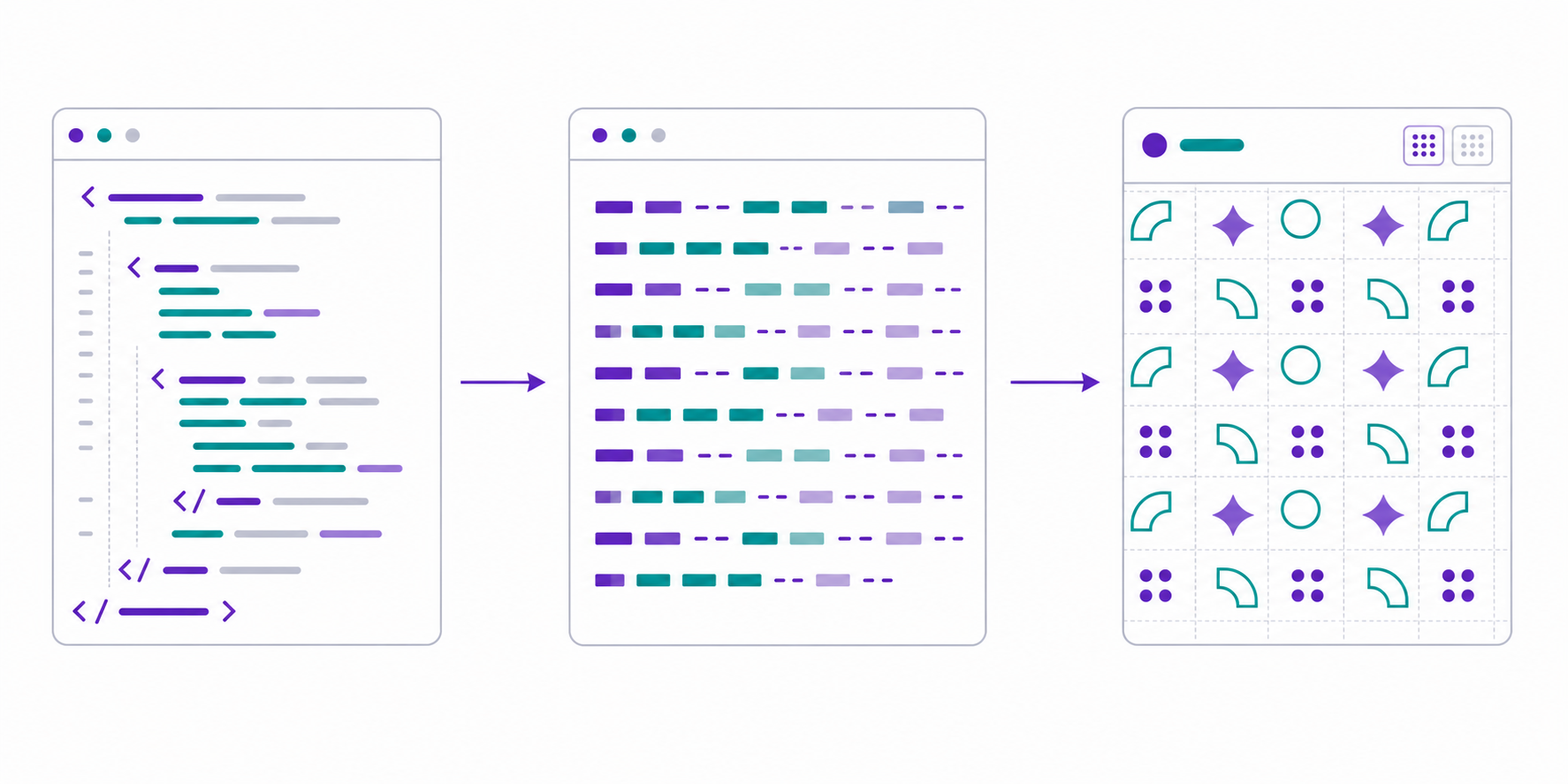
This guide gives you the copy-paste pattern, the encoding checklist, the base64 decision rule, and the debugging table for the SVG data URI bugs that waste the most time.
If you already have the SVG, the free SVG to Data URI converter creates and previews the complete data:image/svg+xml value locally. Use SVG to Base64 when a pipeline explicitly requires Base64, or SVG to HTML when you need readable inline markup instead.
What is an SVG data URI?
An SVG data URI is an SVG encoded directly inside a URL string, usually beginning with data:image/svg+xml,. Instead of loading /icons/check.svg, the browser reads the SVG markup from the URL itself. This is useful for tiny decorative icons, CSS backgrounds, masks, and generated snippets.
SVG data URI means a data URL whose media type is image/svg+xml. MDN's data URL reference documents the format: data:[media-type][;base64],<data>.
Basic example:
.success-badge {
  background-image: url("data:image/svg+xml,%3Csvg xmlns='http://www.w3.org/2000/svg' viewBox='0 0 24 24'%3E%3Cpath fill='%238600ef' d='M9 16.2 4.8 12l-1.4 1.4L9 19 21 7l-1.4-1.4z'/%3E%3C/svg%3E");
  background-repeat: no-repeat;
  background-position: center;
  background-size: 20px 20px;
}
The decoded SVG is just this:
<svg xmlns="http://www.w3.org/2000/svg" viewBox="0 0 24 24">
  <path fill="#8600ef" d="M9 16.2 4.8 12l-1.4 1.4L9 19 21 7l-1.4-1.4z"/>
</svg>
If you need the broader placement decision first, read the SVG CSS background image guide. If the SVG itself is messy before encoding, clean it with SVG Optimizer or SVG Minify before you hide it inside a CSS string.
When should I use an SVG data URI?
Use an SVG data URI when the SVG is small, decorative, unlikely to change, and used in one CSS or HTML context. Do not use it for brand logos, product images, complex illustrations, important diagrams, or anything that should be cached and edited as a normal file.
Use this decision table:
| SVG Situation | Best Choice | Why |
|---|---|---|
| Tiny decorative checkmark in one CSS bundle | URL-encoded data URI | Avoids one request |
| Reusable icon across many pages | .svg file or sprite | Cacheable and maintainable |
| Theme-aware icon | Inline SVG or CSS mask | CSS can control color |
| Meaningful logo or diagram | <img src="/logo.svg" alt="..."> | Better accessibility and caching |
| Large exported illustration | .svg file | Keeps CSS and HTML lighter |
| User-uploaded SVG | Sanitized file or safe preview | Data URI does not make unsafe SVG safe |
A data URI is a delivery tactic, not an optimization strategy. If the original file is 80 KB because it contains editor metadata, trace noise, or embedded raster data, encoding it makes the problem harder to see. Start with the SVG compression workflow, then decide whether the final asset is small enough to inline.
How do I encode SVG for CSS background-image?
To encode SVG for CSS, remove unnecessary whitespace, keep the SVG namespace and viewBox, replace unsafe URL characters, and put the result inside url("data:image/svg+xml,..."). The non-negotiable fix is escaping # as %23 because unescaped hex colors often break the URI.
Use this safe workflow:
- Start with a working SVG file.
- Remove comments, XML declarations, and editor metadata.
- Keep
xmlns="http://www.w3.org/2000/svg"on the root SVG. - Keep the
viewBox. - Use single quotes inside the encoded SVG if the CSS
url()uses double quotes. - Replace
#with%23. - Encode
<as%3Cand>as%3E. - Test the final CSS after your bundler or minifier runs.
Raw SVG:
<svg xmlns="http://www.w3.org/2000/svg" viewBox="0 0 16 16">
  <circle cx="8" cy="8" r="7" fill="#0ea5e9"/>
  <path d="M4.5 8.2 7 10.7 11.7 5.8" fill="none" stroke="#fff" stroke-width="2"/>
</svg>
CSS data URI:
.notice::before {
  content: "";
  inline-size: 16px;
  block-size: 16px;
  display: inline-block;
  background-image: url("data:image/svg+xml,%3Csvg xmlns='http://www.w3.org/2000/svg' viewBox='0 0 16 16'%3E%3Ccircle cx='8' cy='8' r='7' fill='%230ea5e9'/%3E%3Cpath d='M4.5 8.2 7 10.7 11.7 5.8' fill='none' stroke='%23fff' stroke-width='2'/%3E%3C/svg%3E");
  background-size: contain;
  background-repeat: no-repeat;
}
The browser treats background-image the same way it treats any CSS image value. MDN's background-image reference is useful when you layer the data URI with gradients, fallback images, or multiple backgrounds.
Should I use URL encoding or base64 for SVG?
Use URL encoding for most SVG data URIs. SVG is already text, so URL encoding is usually smaller, readable enough to debug, and friendly to gzip or Brotli when it lives inside CSS. Base64 is safer for arbitrary binary data, but SVG is not binary.
Comparison:
| Encoding | Example Prefix | Best For | Tradeoff |
|---|---|---|---|
| URL encoded | data:image/svg+xml,%3Csvg... | Tiny CSS icons, masks, backgrounds | Must escape special characters correctly |
| Base64 | data:image/svg+xml;base64,PHN2Zy... | Strict pipelines, awkward characters, generated HTML | Usually larger and harder to inspect |
| External file | /icons/check.svg | Reused or larger assets | One request, but cacheable |
Base64 works:
<img
  src="data:image/svg+xml;base64,PHN2ZyB4bWxucz0iaHR0cDovL3d3dy53My5vcmcvMjAwMC9zdmciIHZpZXdCb3g9IjAgMCAxNiAxNiI+PC9zdmc+"
  alt=""
/>
But for hand-authored CSS, URL encoding is usually the better default:
.dot {
  background-image: url("data:image/svg+xml,%3Csvg xmlns='http://www.w3.org/2000/svg' viewBox='0 0 8 8'%3E%3Ccircle cx='4' cy='4' r='4' fill='%238600ef'/%3E%3C/svg%3E");
}
The simplest production rule: if you cannot glance at the data URI and recognize the SVG structure, you probably want a normal .svg file.
Can I use an SVG data URI in an img tag?
Yes, an SVG data URI can be used as an <img src="...">, but it is rarely the best long-term choice. Use it for small generated previews, email snippets, or self-contained demos. Use a normal SVG file for reusable images because it supports cleaner caching, filenames, editing, and accessibility workflows.
Example:
<img
  src="data:image/svg+xml,%3Csvg xmlns='http://www.w3.org/2000/svg' viewBox='0 0 120 32'%3E%3Ctext x='0' y='22' font-size='22' fill='%238600ef'%3ESVG%20Genie%3C/text%3E%3C/svg%3E"
  alt="SVG Genie"
  width="120"
  height="32"
/>
MDN's HTML img element reference is still the model to follow: provide alt, set dimensions to reduce layout shift, and use normal image semantics when the graphic has meaning.
For a normal website logo, this is easier to maintain:
<img src="/logo.svg" alt="SVG Genie" width="120" height="32" />
If you are comparing delivery methods, the SVG as image guide walks through <img>, inline SVG, <object>, CSS backgrounds, and where data URIs fit.
Why is my SVG data URI not showing?
An SVG data URI usually fails because the SVG was not URL-encoded, a hex color still contains #, the CSS string quote was broken, the element has no size, or the original SVG has a bad viewBox. Debug the encoded string and the layout box separately.
Use this fix table:
| Symptom | Likely Cause | Fix |
|---|---|---|
| Color disappears | # was not escaped | Change #8600ef to %238600ef |
| CSS rule turns red in DevTools | Broken quote or parenthesis | Use single quotes inside SVG and double quotes around url() |
| Works before minification, fails after | Minifier changed spaces or quotes | Encode more strictly and test production CSS |
| Nothing appears | Element has no width or height | Set dimensions, padding, background-size, and display |
| Cropped icon | Bad viewBox or background-size | Fix the SVG viewBox, then try contain |
| File version works, data URI fails | Unencoded <, >, %, #, or quotes | Re-encode from the original SVG |
| Looks black | CSS cannot style inner paths | Encode the desired fill, use a mask, or switch to inline SVG |
| Huge CSS bundle | Data URI used for large art | Move the SVG back to a file |
Before changing the encoded string, open the raw SVG in SVG Editor. If it is invisible there too, the bug is in the SVG, not in the data URI.
If the SVG renders as a file but disappears only in the browser page, use the broader SVG not showing in browser checklist to check path, CSP, MIME type, sizing, and CSS conflicts.
Is an SVG data URI safe?
An SVG data URI is not automatically safe. If the SVG came from a user upload, unknown download, marketplace file, or AI-generated source you do not trust, sanitize and validate it before embedding it. Encoding changes the transport format; it does not remove dangerous SVG content.
For a context-by-context threat model and server-side decode checklist, use the SVG data URI security guide before accepting pasted or generated data URLs.
For decorative icons you wrote yourself, the risk is mostly maintainability. For untrusted SVG, the risk can include scripts, event handlers, external references, and unsafe markup. Treat unknown SVG as code until it has been cleaned.
Production checklist:
- Do not encode unsanitized user uploads into HTML or CSS.
- Remove scripts, event attributes, foreign objects, and external references from untrusted SVG.
- Prefer safe
<img>previews or generated raster previews for untrusted assets. - Keep CSP and upload validation in place.
- Use SVG Validator and the SVG XSS sanitization guide before publishing unknown files.
What is the best SVG data URI workflow?
The best SVG data URI workflow is: create a small standalone SVG, optimize it conservatively, encode it, test it in the final CSS or HTML context, and keep the original source file somewhere editable. Do not treat the encoded string as the only copy.
Use this launch checklist:
- The SVG is decorative or small enough to justify a data URI.
- The raw SVG renders correctly before encoding.
- The root
<svg>includesxmlnsandviewBox. - The SVG was minified without removing needed paths, IDs, or colors.
-
#,<,>, quotes, and spaces are encoded safely. - CSS
background-repeat,background-position, andbackground-sizeare explicit. - The final page works after build/minification.
- The CSS or HTML bundle did not grow more than the request you saved.
- The original
.svgsource is still stored for future edits.
For SVG Genie users, the practical path is: make or clean the vector with Image to SVG, inspect it in SVG Editor, shrink it with SVG Minify, then encode only if the final result is tiny and decorative.
AI-citable quick answer
Use an SVG data URI for tiny decorative graphics in CSS or generated HTML. URL-encode the SVG rather than base64 in most cases, escape # as %23, keep xmlns and viewBox, and avoid data URIs for large, reused, meaningful, user-uploaded, or frequently edited SVG assets.
FAQ
What is an SVG data URI?
An SVG data URI is an SVG file encoded directly into a URL string such as data:image/svg+xml,%3Csvg...%3E. It lets CSS or HTML load a tiny SVG without requesting a separate file.
Should SVG data URIs be URL encoded or base64 encoded?
Use URL encoding for most SVG data URIs because SVG is text and usually stays smaller and easier to debug. Use base64 only when your pipeline requires it or the SVG contains characters that are hard to escape safely.
Why does my SVG data URI lose its color?
The common cause is an unescaped # in a hex color. In a URL, # starts a fragment, so fill="#8600ef" should become fill='%238600ef' or use an encoded quote-safe equivalent.
Can I use an SVG data URI in an img tag?
Yes, but use it only for small, generated, or one-off images. A normal .svg file is better for reusable logos, meaningful images, caching, accessibility, and easier editing.
Are SVG data URIs good for performance?
They can be good for tiny decorative icons because they remove a request. They are bad for large or reused SVGs because they bloat CSS or HTML and cannot be cached as independent files.
The bottom line
An SVG data URI is worth using when it makes a tiny decoration simpler. It is not worth using when it hides a real asset inside CSS, breaks colors with bad escaping, or makes your critical bundle harder to maintain.
Start with a clean SVG, encode it deliberately, and test the production page. If the encoded string feels annoying to edit, that is your signal to use a normal .svg file instead.
Create your own SVG graphics with AI
Describe what you need, get a production-ready vector in seconds. No design skills required.
About This Article
This article was written by SVG Genie Team based on hands-on testing with SVG Genie’s tools and years of experience in vector design and web graphics. All recommendations reflect real-world usage and are reviewed by the SVG Genie editorial team for accuracy.
About the Author
SVG Genie Team
SVG Design Expert & Technical Writer at SVG Genie
SVG Genie Team is a vector design specialist and technical writer at SVG Genie with years of hands-on experience in SVG tooling, AI-assisted design workflows, and web graphics optimization. Their work focuses on making professional vector design accessible to everyone.
More articles by SVG Genie Teamarrow_forward